Build a Dinosaur Tools
Checklists and decision helpers for cleaner progression.
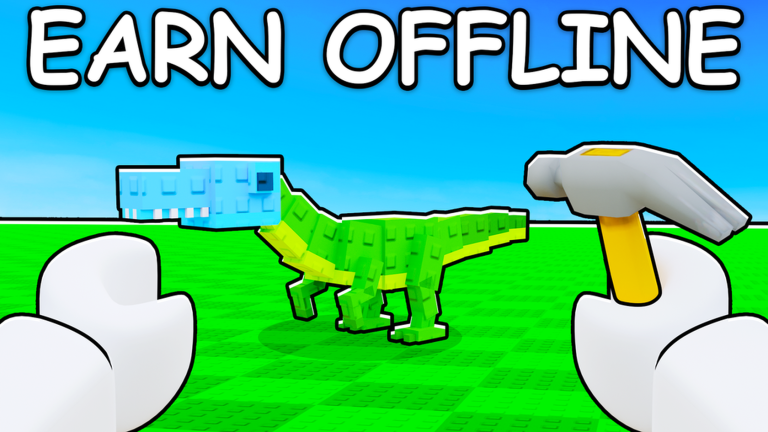
The Tools Hub turns Build a Dinosaur advice into something you can follow mid-session. Pixel Gold Games built a Roblox tycoon loop that rewards planning: buy parts, shape a custom dino, generate Cash online and offline, harden your base, then Rebirth when incremental gains flatten. Tools on this wiki are written for that loop—short checklists, clear decision points, and links into deeper guides and tier lists.
Use tools when you feel stuck, not only when you are brand new. Early game needs a clean first-hour order. Mid game needs storage and income balance. Late game needs Rebirth timing and pass value checks so Robux spending stays intentional.
Tools in this category
- Progress Checklist — Early, mid, and late-game milestones for parts, Cash, base, and Rebirth.
- Game Pass Worth It — A buy-or-skip helper for x2 Storage, x2 Cash (~299 R$ each), and Premium (~1299 R$).
How to use the hub
- Redeem anything active on Codes so your first purchases are not starved.
- Open Getting Started if controls or the core loop still feel fuzzy.
- Run the Progress Checklist and mark only the stage you are actually in.
- When a pass looks tempting, switch to Game Pass Worth It and compare it against your bottleneck.
- Cross-check spending targets with Best Parts and Game Passes.
What these tools are not
They are not auto-clickers, exploit menus, or account-risk shortcuts. They are planning pages: markdown checklists and decision frameworks you can skim between shop visits. If a tool conflicts with a fresh patch, trust in-game prices and your own income test, then re-read Updates Hub.
Session workflow example
Start offline-earnings check, claim codes, buy one cash-efficient part set, attach it, confirm generation, then decide whether storage or defense is the next wall. If storage is the wall and you already play long sessions, the 299 R$ x2 Storage pass may outrank Premium. If you only hop on briefly, free progression plus careful Rebirth may beat every pass. That is the point of a tool page: matching spend to playstyle.
Related routes
Keep Tier List Hub, Guides Hub, and Official Links bookmarked beside these tools. Rankings tell you what is strong; tools tell you when to buy it. Together they cut wasted Cash, reduce impulsive Robux purchases, and keep your custom dino climbing through Rebirth cycles without guesswork.
When to switch tools mid-session
Switch from the checklist to the pass helper the moment Robux temptation appears, not after you already opened the store with a blank plan. Switch back to the checklist after any purchase or Rebirth so your next ten minutes stay staged. If a tool answer conflicts with a fresh Roblox update stamp, pause on Updates Hub, re-read live pass text, then continue. Tools are clearest when you treat them like pit boards: glance, decide, execute, measure.
Offline Cash makes planning especially valuable. A short checklist pass before you log off—stable earner equipped, base not neglected, next purchase named—often beats another impulsive shop sweep. That is the Tools Hub promise in one line: fewer panicked spends, more intentional Build a Dinosaur sessions.
Frequently Asked Questions
Quick answers for Build a Dinosaur on Roblox.
Do these tools change in-game values?
No. They are planning pages on the wiki. All purchases still happen inside Build a Dinosaur on Roblox.
Which tool should I open first?
New players should start with the Progress Checklist. If you are deciding on Robux, use Game Pass Worth It.
Are codes part of the tools flow?
Yes. Always check Codes before major early purchases so free Cash shapes your first build.
Where do pass prices come from?
Common store prices are about 299 R$ for x2 Storage and x2 Cash, and about 1299 R$ for Premium. Confirm live prices in the experience store before buying.